

Commissions CLOSED English/Spanish ✨Drawings and sometimes fanart✨
Joined April 2020
- Tweets1.6K
- Following623
- Followers2.5K
- Likes4.3K




Maca ✦ retweeted

Small breakdown of how this movement is keyed ~
Basically for short hair I do X Main, X Tips, Y Up, Y Out. For longer hair I'll add a few more X and Y Out params. Physics set-up below 🧵
#Live2D


Maca ✦ retweeted
🚨BUT WAIT THERE'S MORE!🚨
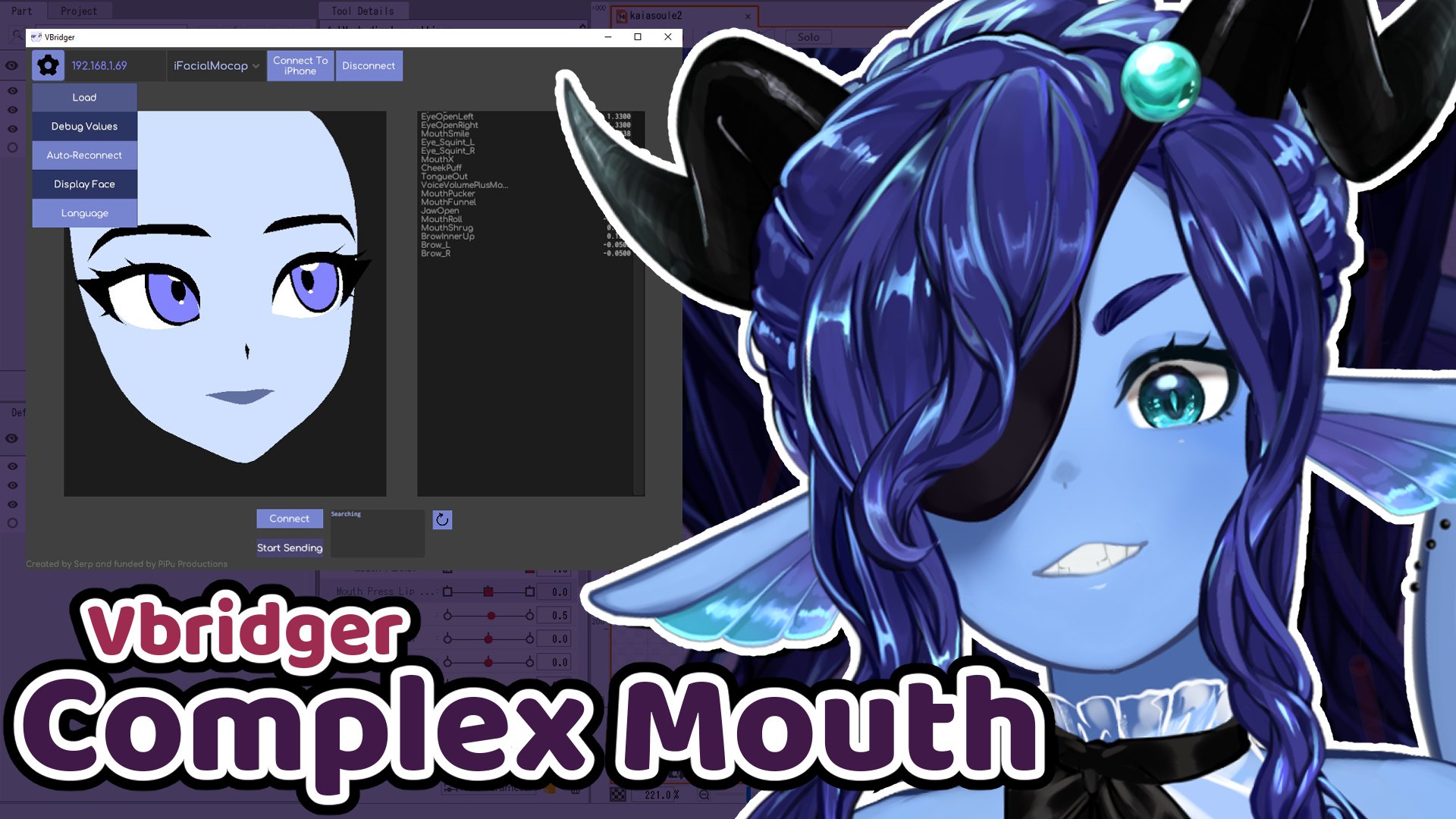
✨FREE✨ Live2D Learning asset - VBridger mouth using Blendshapes! Great to learn alongside my video tutorial! Includes the .cmo3 file to see all the rigging~
⬇️Find the Link Below!!⬇️
#Live2D #Vtuberasset

Maca ✦ retweeted

We taught an intermediate class today!
The edited class will be soon available on kofi ☕️
The class covered how I do head angles, hair angles, hair physics, eye xy adjust and hair shadows.
The practice .psd file is temporarily available for free!
ko-fi.com/s/e7eebd135d


Maca ✦ retweeted

VTubers - how do YOU record your model for stream? It's come to my attention that a lot of people might not know about "Spout2 plugin" for OBS!
What is Spout2? It's a plugin that allows you to send high resolution files between compatible programs! THAT MEANS you can natively use it after installing between.. say, OBS Studio and VTube Studio! It allows you to choose the Spout2 plugin as a source directly - rather than having to game capture or window capture your VTube Studio! Not ONLY is this way less resource intensive - it also means that you can mess around with model parameters, activating props and anything you want within the VTube Studio window WITHOUT it showing up on stream! It will ONLY record your model, regardless of the background/color you have selected! This also means no need for a chroma key!
How to set it up?
First - download the link for Spout2 plugin below!
Second - Under the second tab in VTube Studio, after the plugin is done installing, go to the "camera" icon in the top left. Scroll down almost to the bottom and enable "Activate Spout2" as shown in picture (1)
Second - Open up OBS - hit that little plus button underneath your sources, and you should see "Spout2 Capture" (2) as an option! Hit that bad boy up!
Third - The last (3) picture is what the window will look like! You can, for the most part, just leave everything default. If you WANT your background in VTube Studio to show up - just hit the "opaque" option underneath Spout Senders!
Sincerely hope this helps some of you out there. VTube Studio can take up a lot of resources depending on how strong your setup is! Not only will this reduce the load.. in my own experience, this is the highest quality method to actually capture your model on to a livestream of your own!
If you found this helpful, please link and share so that it can reach more people! 🖤🙇
#VTubers | #VTuber | #VTuberAdvice | #Spout2


Maca ✦ retweeted

Probably this
“Vtuber models are too expensive for no reason”
This Post is from a suspended account. Learn more
Maca ✦ retweeted

Here's the breakdown of how I make the fire in Live2D. I.. try to learn video editing...
Please pardon my dying voice 🥹
#Live2D
Maca ✦ retweeted

Thank you for supporting human artists. No Al
Sorry for the sloppy sketch . Not everything is gonna look great in the early steps ;=;


