
Syzygy 3 is a technology consulting & services firm in NYC; we're focused on the best IT solutions for small- & mid-sized businesses
NYC
Joined July 2009
- Tweets4.4K
- Following97
- Followers239
- Likes16







Plan IT updates and major changes for a time when a short interruption will have the least effect. Check payroll dates and client deadlines first, tell employees what will be unavailable, and test the affected systems afterward. We can help plan the work.
1
Important customer history shouldn't exist only in one employee's inbox. Record what was agreed, any unfinished work and the details a colleague would need to continue the conversation in your CRM or another company system.
4
Many fax services now deliver documents to an inbox or online portal. Check where incoming faxes arrive, who can access them and whether former employees still have access. Decide how long sensitive documents should be kept. We can review your fax setup with you.
2
IDScan says names and government ID numbers may have been taken from its cloud service. It hasn't confirmed the 150M+ driver's license figure.
techcrunch.com/2026/09/10/id…

10
A replacement laptop can take hours or days to configure. Keep a spare updated and ready for employees whose work can't easily move to another computer, such as someone who processes orders or answers customer calls. We can help you prepare it.
6
Ads are coming to AI conversations.
Nobody should be surprised. Platforms with large free audiences usually look for ways to make money from them.
OpenAI has already started testing ads with eligible ChatGPT Free and Go users in selected regions.
It has
assets.cdn.filesafe.space/5H…
9
Before canceling an online service, export the company's data and open the files to make sure they contain what you need. Save the export in company storage and finish any move to a replacement service before closing the old account. Need help deciding what to keep? Reach out.
3
Buying a different laptop model whenever someone joins can leave you with chargers and docks that don't work with every computer. Standardize one or two models for each type of work and keep compatible spares. We can help with your next order.
7
Anyone near your desk may see part of an email, message or sign-in code in a phone notification. Hide notification content until the phone is unlocked, on both company phones and personal phones used for work.
4
Nothing to see here....move along....
Not really, all these events seem to be a little too conviently explained away by unreasonable technology answers. It is defintely the wild wild west out there everyone. Becareful, check you accounts, passwords, MAF'
newsweek.com/cyber-attack-we…

20
Google announced voice features for Gmail, Docs and Keep. They can search email, draft documents and organize spoken notes. Check your plan and data access before using them for work.
blog.google/products-and-pla…

9
A folder full of files called "Proposal final" makes it hard to find the approved copy. Use one naming format that includes the client, document type, date and version. Keep the approved file where everyone expects to find it.
4
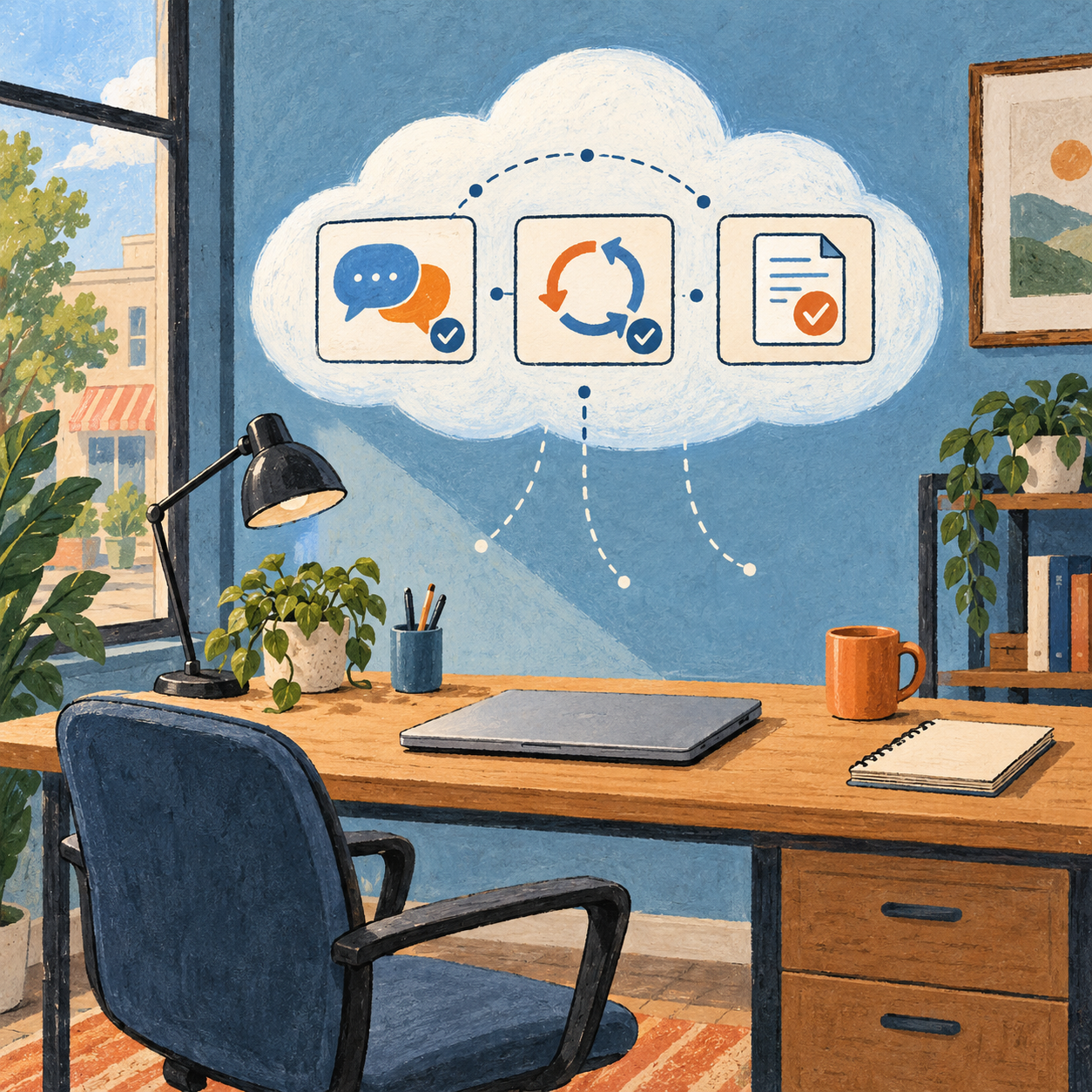
Copilot will be able to follow up on work without you asking it each time.
On 25 September, Microsoft announced Autopilot, an agent that can monitor Teams channels, follow up on conversations and handle recurring jobs.
You give it a role and a goal. It c
assets.cdn.filesafe.space/5H…
15
Billing notices often go to the person who opened an online account. If that employee leaves, a failed-payment notice may sit unread until the service stops working. Send notices to a shared inbox that two employees can access. We can help check where they go.
3
Screenshots can include more than the error or message you meant to share. Check the whole image for customer details, private messages, passwords or verification codes. Crop or blur anything the other person doesn't need.
4
A Power Automate or Zapier workflow may stop if its connected account is disabled or needs to be signed in again. Keep a list of your automations, who owns each one and where failure alerts go. Review it whenever you change software or close an employee account.
54

A Spanish regulator received a breach report involving an AI agent that logged in, searched for weaknesses and accessed invoices. The investigation is ongoing.
securityweek.com/first-agent…

4
If several employees share a computer, each person should still have their own login. Shared accounts make it harder to see who changed a file or installed an app. Set the computer to lock after a few minutes without use. We can check the setup for you.
1
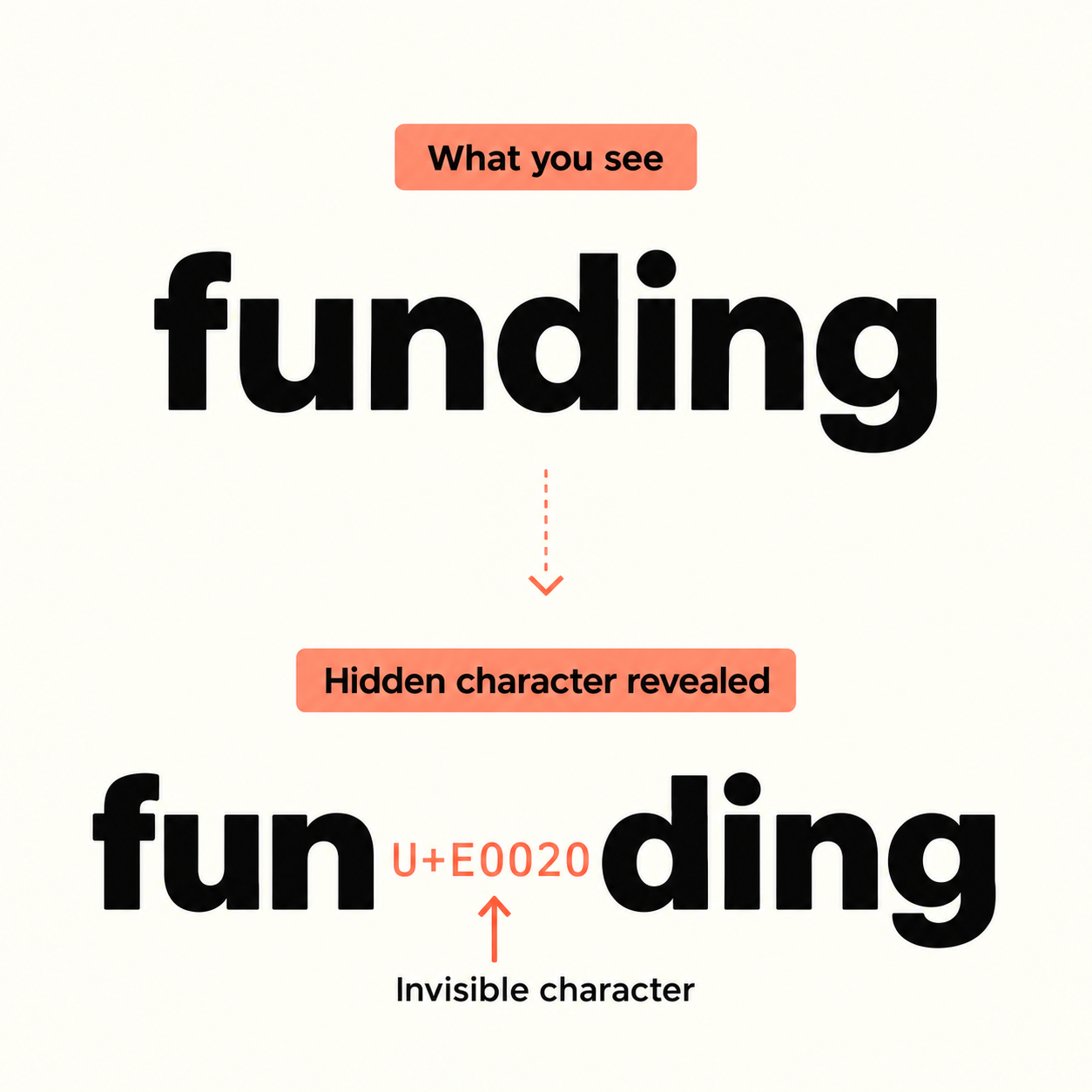
Some phishing emails now contain characters you cannot see.
Microsoft found attackers inserting invisible Unicode characters inside words such as "funding."
The word looks normal when you read it. But some email filters may see it as a different string o
assets.cdn.filesafe.space/5H…
9